Reading and appearance
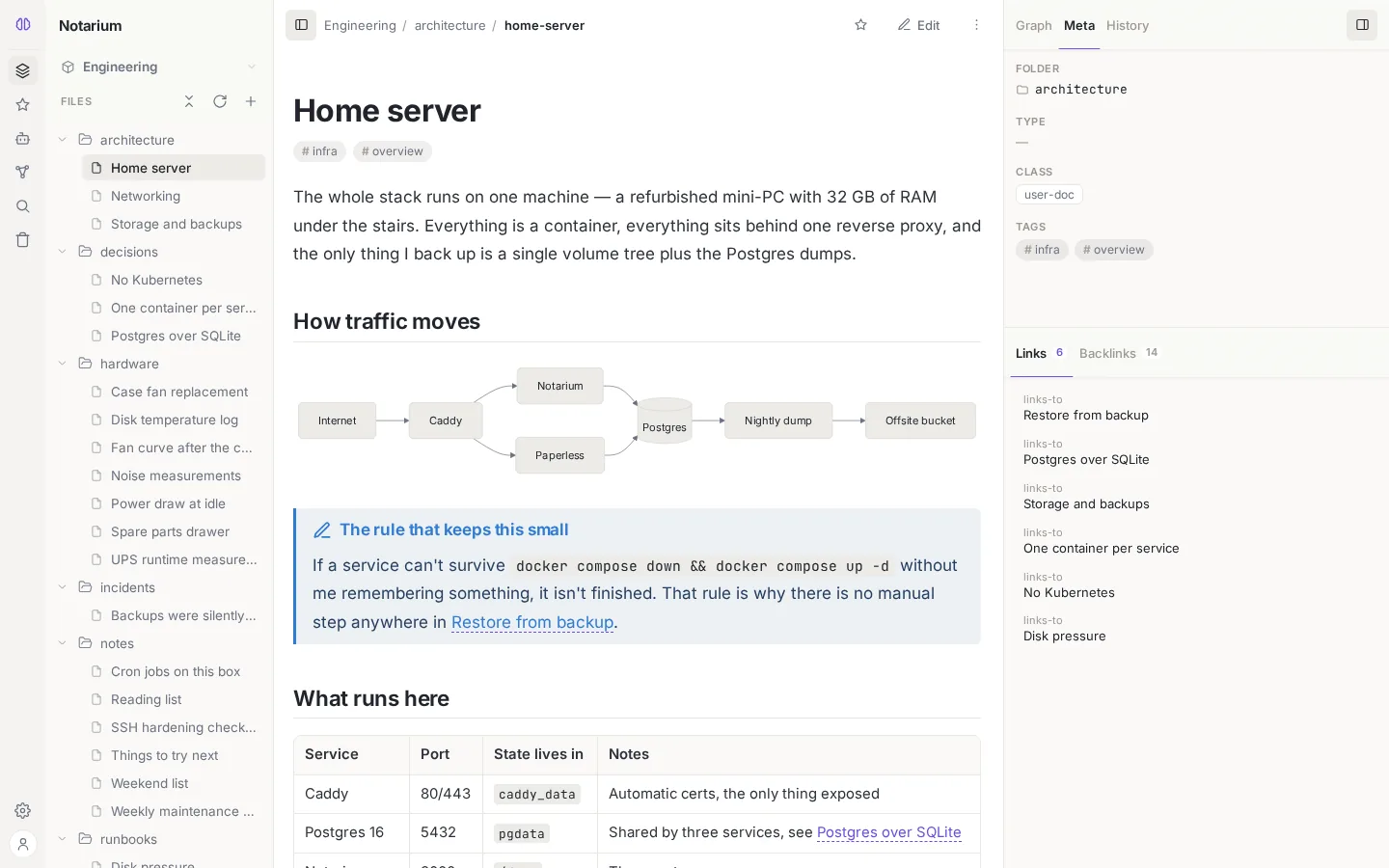
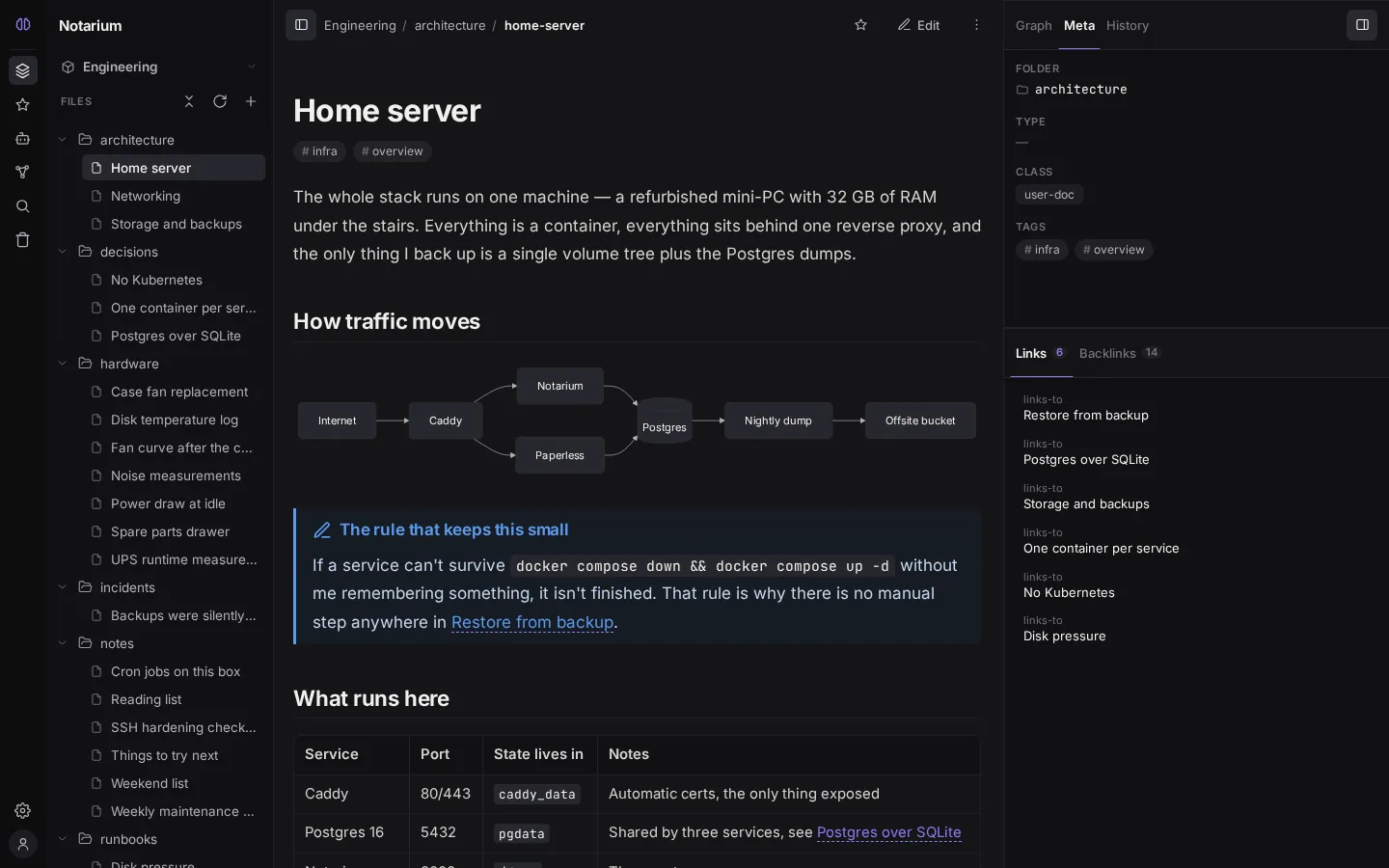
Notarium lets you tune how text looks when you read it: the font and the size of the reading area, plus a light or dark theme. This is the same rendered Markdown you see in reading mode, in the editor's Preview, in the revision history, and in the settings preview — so a single setting applies to all of them at once. Both knobs live in Settings → Appearance.
Reading font
The font is chosen from a fixed list of presets, grouped by category. The set was picked for popularity, reading quality, and language coverage; every preset includes Cyrillic.
| Category | Presets |
|---|---|
| sans | System (OS font, default) · Inter · Open Sans · Roboto · Source Sans 3 · Noto Sans |
| serif | Georgia (OS font) · Lora · Literata · Merriweather · Source Serif 4 · Noto Serif |
| mono | JetBrains Mono · Fira Code · Cascadia Code |
The bundled fonts are self-hosted — they live inside the app rather than being pulled from Google's CDN: the app works offline and sends no requests to third-party servers. The browser downloads only the subset of glyphs that actually appears, and only while a font is active; the PWA caches the downloaded files, so once you've used a font it's available offline.
The app bundles glyph sets for European scripts: Latin, latin-ext, Cyrillic, Greek, Vietnamese — which covers nearly every European language. For CJK, Arabic, Hebrew, and Indic scripts the font falls back to the system (the GitHub/Notion/Obsidian pattern) — a note like this still renders correctly, with no extra download.
Reading size
The size is a stepped preset — S / M / L / XL (roughly 15.5 / 17 / 19 / 21px; M by default). You set it once, and the entire typographic scale — headings, code, lists, tables, quotes — is expressed relative to it, so a single step scales the whole rhythm proportionally rather than just the paragraphs.
The size applies identically in both editor modes. WYSIWYM inherits both the font and the reading size; Source inherits the size but keeps a monospace font — it's code. Inline code and code blocks stay monospace regardless of the reading font you pick.
Theme
You switch between light and dark themes in settings; the choice is remembered in the browser. The chrome of the installed app adapts to the theme — the color of the system bar matches the page background instead of flashing a mismatched color (see Install as an app).
Reading mode safely renders GitHub-flavored Markdown. Wiki-links [[note]] and [[note|label]] are clickable.